Online
Computer Graphics
Classes
In online computer graphics lessons, you’ll learn to use graphics software, master different techniques, and create your own digital artwork!






Trial Lesson
If you want to book a trial computer graphics lesson, you need to schedule and pay $8.00.
The trial lesson is conducted individually and lasts for 45 minutes.

Subscription
If you enjoyed the trial lesson, you can purchase a subscription by making a prepayment for at least 4 lessons.
The price of a 4-lesson subscription is $60.00 (the cost of one lesson is $15.00).
Payment must be made at least 24 hours before the lesson's start time.

Discounts
When you purchase 8 lessons or more, a discount applies. The more lessons, the more you save!
Course overview
The online computer graphics course is for children aged 7 and up, as well as adults. Students get to know graphics software, learn different ways to create images, and work on their own illustrations. The course has three levels: beginner, intermediate, and advanced.
Individual lessons are 45 minutes long. Lessons can be taught in Russian, Ukrainian, or English. We agree on lesson times and the language of instruction before classes begin.
Lessons take place on Google Meet or Zoom. Our teachers have art degrees and experience working with students. Many of them continue to work professionally in the arts and take part in exhibitions and workshops.
You can choose how often to take lessons based on your schedule. We recommend two lessons a week: this leaves time to work independently in the graphics software and discuss any questions at the next lesson.
Students can take part in exhibitions, competitions, and workshops if they wish. Based on the results of exhibitions and competitions, they receive award certificates and diplomas. Students also receive a certificate after each module and a diploma after completing each level.
Teaching method
Our method of teaching computer graphics is an original Montessori Center program for children and adults. At the start of the course, the teacher finds out what the student can already do and what they want to learn. Together, they decide what to work on next, and the student applies new tools and techniques to their own pieces. Finished illustrations make it possible to see the results. The strongest pieces can be prepared for an exhibition or competition.
Benefits of the teaching method
Clear goals: students know what they will work on in their next lessons, such as learning a new tool or finishing an illustration.
Flexible learning: if an assignment takes longer, the student can return to it. Once they have learned a technique, the teacher suggests the next task.
Practical experience: students apply new skills in their own digital work. If they wish, they can prepare it for an exhibition or competition.
For children and adults: the teacher chooses assignments based on each student’s age, experience, and goals.
Continuous development: after finishing one piece, students can try another technique, a different program, or a more complex composition and continue to grow professionally.
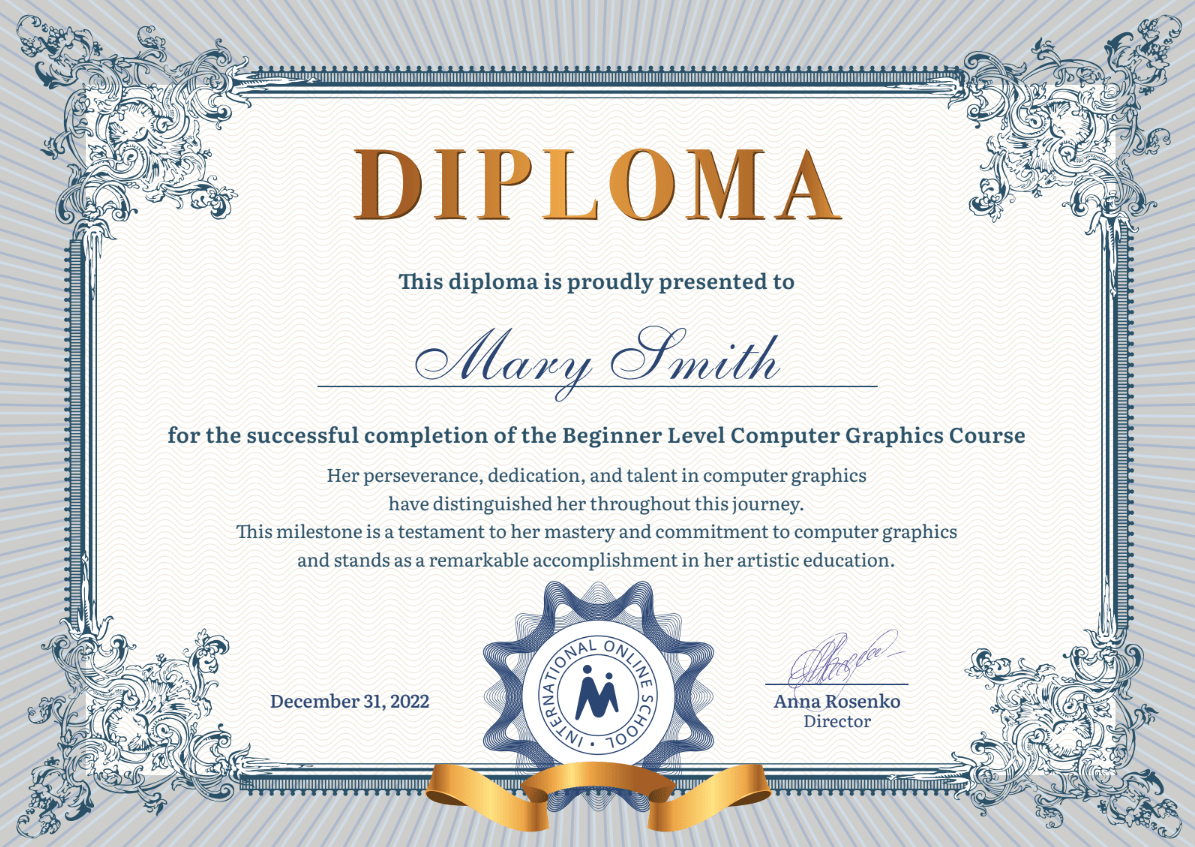
Beginner level
At the beginner level, students get to know a graphics program and its main tools. They try drawing lines and shapes, choosing colors, and arranging elements in an image. Early assignments help them understand how to build a simple composition. By the end of the level, students can create a simple digital illustration using the techniques they have learned.
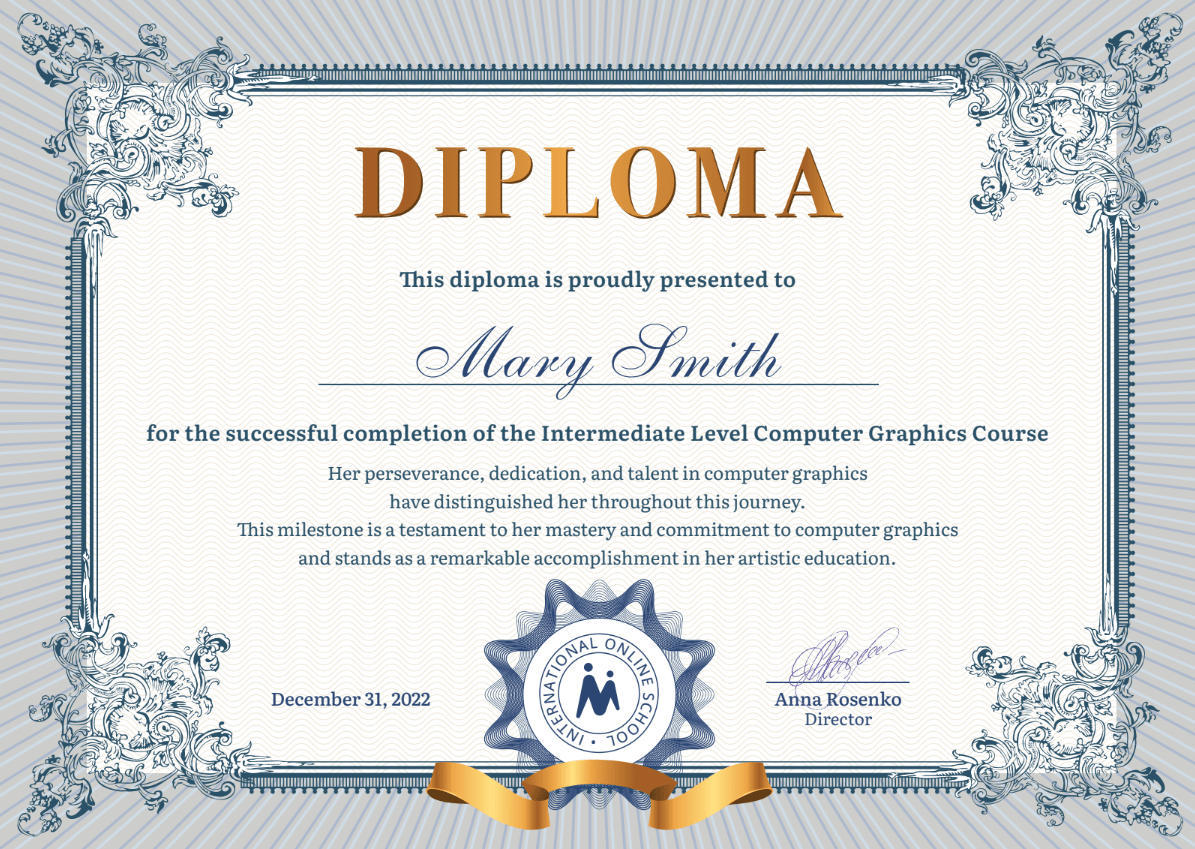
Intermediate level
At the intermediate level, assignments become more challenging. Students add details, choose colors more carefully, and plan where to place objects. During lessons, they discuss what an image is meant to express and how to convey it through drawing. Gradually, students find it easier to choose the tools they need to create the image they have in mind.
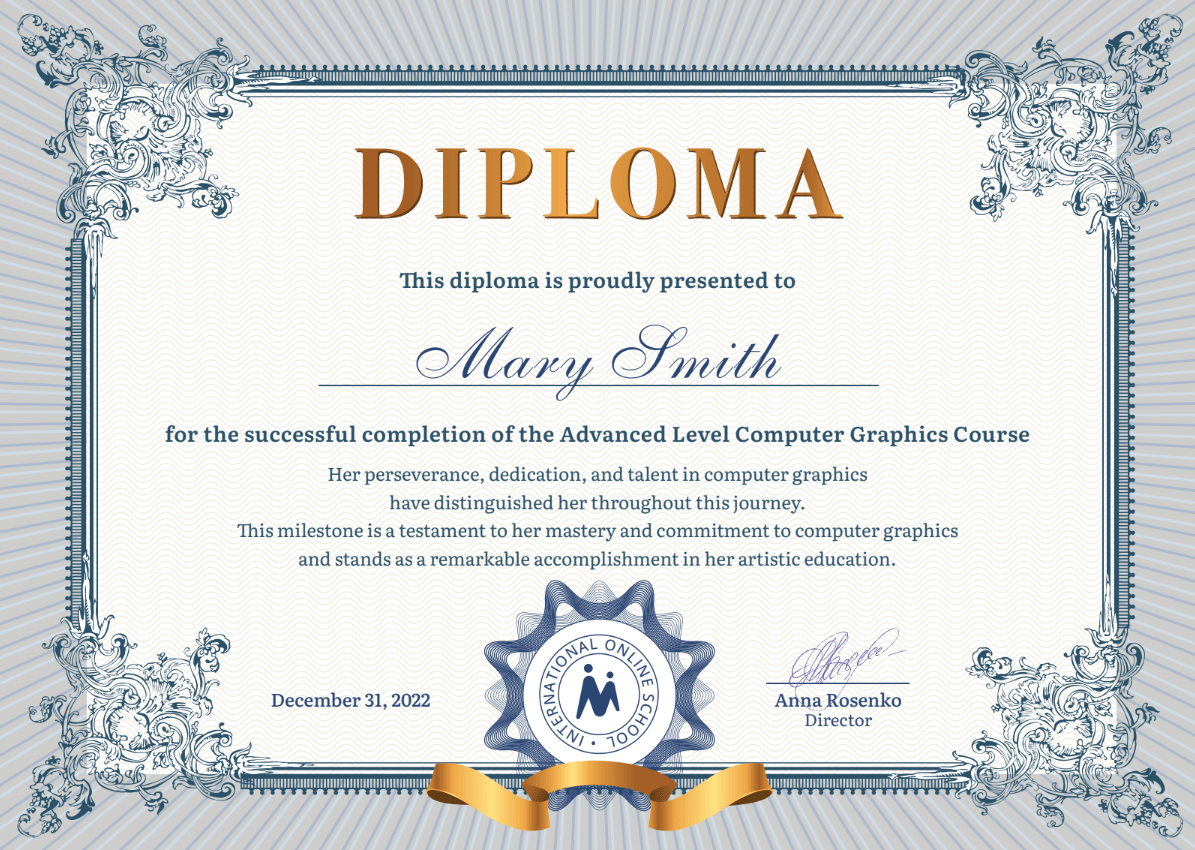
Advanced level
At the advanced level, students work on more complex compositions and learn new digital art techniques. They try different graphics programs, combine techniques they have learned, and plan the stages of a piece before starting.
By the end of the level, students can complete a complex digital piece independently: choose suitable tools, build a composition, and refine the colors and details. The teacher helps them assess the result and decide which skills to develop next. Over time, students develop their own artistic style.
Course goals
One of the main goals of the course is to learn how to use digital tools to create images. Students work with color, form, and composition, then apply these skills to illustrations. Practice at home also helps them become familiar with the tools.
The teacher demonstrates different techniques and explains what each one can achieve. The same subject can be drawn in different ways: change the color palette, the character of the lines, or the arrangement of elements, and the impression it makes will change.
Students learn to plan an image and assess their finished work: what they managed to convey, whether the main subject stands out, and which details could be changed. They look at works by other artists and find ideas and approaches they can use in their own illustrations.
The course gives students a chance to try different styles and techniques. When they show a piece to their teacher or prepare it for an exhibition, they learn to explain their ideas and consider feedback. Comparing new drawings with earlier ones helps them see their progress. Enjoying the drawing process matters, too.
Benefits of computer graphics lessons
Technical skills: students learn to use a graphics tablet and the tools in an editor, create digital images, and make changes as they work.
Creative thinking: before starting a drawing, students decide what they want to show and how to show it. If the first idea does not work, they can change the shapes, colors, or details and try again.
Working in different styles: students can try realistic images and abstract art, compare techniques, and choose those that suit their own ideas.
Attention to detail: a digital drawing is easy to view both up close and as a whole. Students learn to refine small elements and check how they fit into the overall composition.
Discussing their work: in an individual lesson, students tell the teacher about their ideas, ask questions, and discuss suggested changes. This helps them explain their creative choices.
A chance to switch focus: working on a drawing can help students take a break from everyday concerns. As they choose colors and refine details, they focus on the piece in front of them.
Observation: drawing an object or a character means paying attention to proportions, silhouette, and color combinations. These observations help students convey what they have in mind more accurately.
Exploring careers: digital images are created for illustration, advertising, films, games, and websites. The course can help students decide whether they would like to study one of these fields further.
Exploring new tools: graphics software changes and gains new features. Once students understand the basic principles of working with images, they can more easily learn to use other tools.
Independence: to finish a drawing, students plan the stages of their work and return to what they did not complete during the lesson. This helps them manage their time and carry an idea through to a finished piece.
Confidence: a finished illustration shows students that they have brought an idea to life and worked through the difficulties they encountered. They can discuss the result with their teacher and choose what to work on next.
The course is for those who want to draw for themselves, build a portfolio, or study design and illustration in the future. In lessons, students can test their ideas in practice and see how an image changes from the first sketch to the finished piece.
News


How Computer Graphics Lessons Are Conducted
Equipment: you can use a graphics tablet connected to a desktop or laptop computer, or a regular tablet—an iPad or an Android tablet—with a compatible stylus. If you’re just starting out, a regular tablet and stylus are enough.
Internet connection: you’ll need a stable connection for video calls with your teacher. Check it before the lesson to avoid interruptions.
Video conferencing platform: lessons take place on Zoom or Google Meet. Install the required app in advance and check that your camera and microphone are working.
Audio: headphones with a microphone will help you hear your teacher more clearly and reduce background noise during the conversation.
Lighting and workspace: make sure your workspace is well lit. Position your screen to avoid glare.
Receiving your lesson link: we’ll send you the link in advance by email or through your preferred messaging app. Check that you’ve received it the day before the lesson.
Materials for the lesson: if you’re drawing on an iPad, install Procreate in advance. If you’re using an Android tablet, install MediBang Paint. If you’ll be working on a computer, ask our administrator which program you’ll need. Connect your graphics tablet to your computer or laptop. If you’re using a regular tablet, charge it before the lesson.
Setting up your workspace: position your device so you can draw comfortably and talk to your teacher. Join Zoom or Google Meet using the link you received 5–10 minutes before the lesson starts. Check your camera, microphone and internet connection.
Get everything ready in advance so you can start working as soon as the lesson begins.
Feedback: your teacher explains how to use the tools in the graphics program and comments on your work: what you’ve done well and which details could use more attention.
Ask questions: if you can’t find a setting or use a particular technique, ask your teacher. They’ll show you again and help you work it out.
Practice: you’ll spend most of the lesson working on your own illustration. Your teacher follows your progress, demonstrates techniques as you work, and suggests how to choose colours, adjust shapes or arrange details.
An example on screen: your teacher shows you on their screen how to complete a particular stage of the work. You can try the technique in your own illustration right away.
Wrapping up: at the end of the lesson, you’ll discuss what you’ve accomplished and which techniques to practise on your own. Your teacher will suggest a practice task and help you decide what to work on next.
Materials for independent practice: your teacher will suggest tools to try and techniques to practise at home, show you examples of digital illustrations, and recommend further resources on the subject.
In online computer graphics lessons, you’ll explore the tools in graphics software and use them in your own work right away. As you progress, you’ll be able to create more complex illustrations, plan compositions, choose colours and refine details.
Computer Graphics Teachers

Victoria Grigoryeva
Computer Graphics, Painting, Modeling and Sculpture

Elena Stupak
Computer Graphics, Painting, Modeling and Sculpture, Animation

Kateryna Romaniuk
Computer Graphics, Painting, Modeling and Sculpture
Computer Graphics Course Program
 Beginner
level
Beginner
level
Age: from 7 years old
Modules
Introduction: getting to know the interface of a graphics editor.
The basics of shape and colour: drawing shapes, patterns and ornamental designs using brush and fill tools. Creating your first images from templates.
Working with layers: adding and editing elements of a drawing using the editor’s tools.
Colour in digital drawing: choosing a palette, mixing colours and creating gradients.
Creating simple illustrations using geometric shapes and textures.
Preparing your work for an online competition and entering it, if you wish.
 Intermediate
level
Intermediate
level
Age: from 10 years old
Modules
The basics of pixel art: creating simple images of characters and landscape details.
Creating a series of illustrations on assigned themes: nature, fairy-tale scenes and characters.
Exploring other approaches to computer graphics: realism, minimalism and vector graphics. Creating a piece using one of these approaches.
Preparing an artwork for a competition or exhibition.
 Advanced
level
Advanced
level
Age: from 12 years old
Modules
The basics of vector graphics: creating illustrations on assigned themes. Using textures, filters and effects when working on an image.
More advanced techniques in graphics editors: using masks, adjustment layers and other tools to edit images.
Creating concept art for characters and environments in games and animated films. Developing a project of your choice: a series of illustrations, an animation or a 3D model.
Preparing and holding an exhibition of student work, and putting together a portfolio. Taking part in competitions and other exhibitions if you wish.
In the online computer graphics course, students gradually move from simple drawings to projects of their own. They explore graphics software as they work: learning to use its tools, choosing colours, working with layers and trying different techniques. The teacher explains new techniques through examples and helps students choose those that suit their ideas. Finished illustrations can be added to a portfolio or, if the student wishes, prepared for a competition or exhibition.
Start your learning journey! Sign up for a trial lesson today!
Course Schedule
We teach every day, including weekends
To coordinate the day of the week and the time for your lesson, please write to us, and the administrator will arrange a convenient schedule for you!Contact Us



Student Reviews of the Course
Nikita

Martin
Елена К.
Review language: Russian
Анна Судьбина
Review language: Russian
Ольга
Review language: Russian
Ольга В.
Review language: Russian
Наталья Л.
Review language: Russian
Марина
Review language: Ukrainian
Людмила
Review language: Ukrainian
Ana Salgado
Review language: Spanish
Frequently Asked Questions (FAQ)
Helpful Articles
Top 10 Programs for Creating Computer Graphics
Computer graphics cover a broad range of applications—from creating illustrations and logos to animations and photorealistic 3D models. To succeed...
How to Create Your First 3D Model: A Step-by-Step Guide
Creating 3D models is an exciting process that allows you to bring your ideas to life and visualize them in...

The Impact of Computer Graphics on Art and Culture
Computer graphics is a powerful tool that has significantly transformed the landscape of art and culture. Since its inception, it...
Modern Computer Graphics Techniques: What Beginners Need to Know
Computer graphics is a rapidly evolving field that encompasses a wide range of technologies and methods. From creating 2D illustrations...

Computer Graphics for Adults: Hobby or Profession?
Computer graphics is a field that encompasses a wide range of possibilities, from creating stunning visual effects and animations to...
Basics of Computer Graphics: A Beginner’s Guide
Computer graphics is an exciting and multifaceted field that involves creating and editing images and animations using computer technologies. If...
Famous Computer Graphics Artists and Their Works
Computer graphics have become a significant part of modern art, design, and media production. Many talented artists have made substantial...
How Computer Graphics Develop Children’s Creative Abilities
Computer graphics are not only a modern tool for creating visual effects but also a powerful way to develop creative...

The History of Computer Graphics: From Pixels to 3D
Computer graphics have come a long way since their inception, undergoing significant changes and improvements. The history of computer graphics...
Gallery