How Computer Graphics Develop Children’s Creative Abilities
· Updated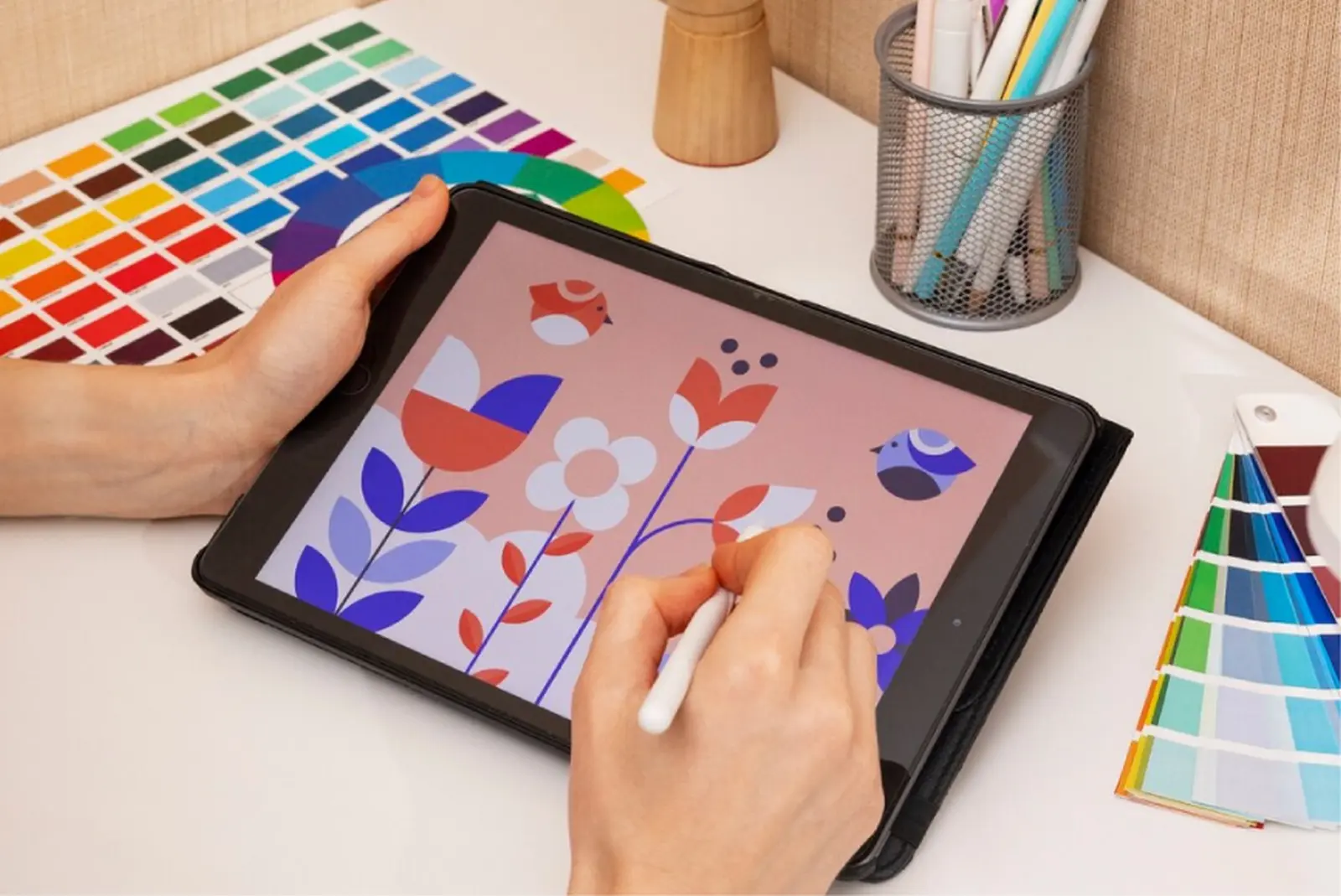
Computer graphics is drawing in which a graphics program takes the place of paper and paint, and a stylus takes the place of a brush. Below is when children can start, what they learn in lessons, which programs they draw in and what kind of work they create.
What Age to Start
Our computer graphics course is open to children from age 7. The program has three levels: beginner from 7, intermediate from 10 and advanced from 12. Younger students start simple: they draw shapes, patterns and ornaments with the brush and fill tools and create their first images from templates.
What Children Learn in Lessons
Seeing Shape and Color
The child chooses a palette, mixes colors, makes gradients and builds illustrations out of geometric shapes with added textures. This teaches them to see which shapes and colors a picture is made of.
Working Step by Step
An illustration comes together gradually: a sketch, then colors, then details. At the end of the lesson, the teacher talks with the student about what worked and helps plan the next step.
Trying New Things
Layers let the child add and change parts of a picture without touching the rest, so a new idea can be tried without fear of ruining the work. Children try different styles, such as realism, minimalism and vector graphics, and create a piece in the one they like best.
Mastering the Tools
Students learn the tools and settings of a graphics program as they work: the teacher shows a technique on their own screen, and the student tries it in their illustration right away. Older students learn textures, filters and effects, masks and adjustment layers.
Programs and Equipment
Lessons work with a graphics tablet connected to a computer or laptop, or with a regular tablet and stylus, which is enough to begin with. In our course, students draw in Procreate on an iPad and in MediBang Paint on Android tablets; for a computer, the administrator will suggest a program. Popular programs are reviewed in Top 10 Programs for Creating Computer Graphics.
What Children Create
- patterns, ornaments and first images from templates;
- illustrations made of geometric shapes with textures;
- series of illustrations on set themes: nature, fairy-tale stories, characters;
- for older students, concept art of characters and settings for games and cartoons, plus a project of their own: a series of illustrations, an animation or a 3D model.
Finished work goes into a portfolio and, if the student wishes, can be prepared for an online competition or exhibition.
Our Computer Graphics Course
In our computer graphics course, students learn techniques for creating digital images, work with shape, color and detail and with the tools of graphics editors, and collect their work in a portfolio that can be prepared for online exhibitions and competitions. Lessons are open to students from age 7. A trial lesson costs $8: it is individual and lasts 45 minutes. More about the course is on the Computer Graphics page.


