Drawing Tablets for Beginners: How to Choose One
· Updated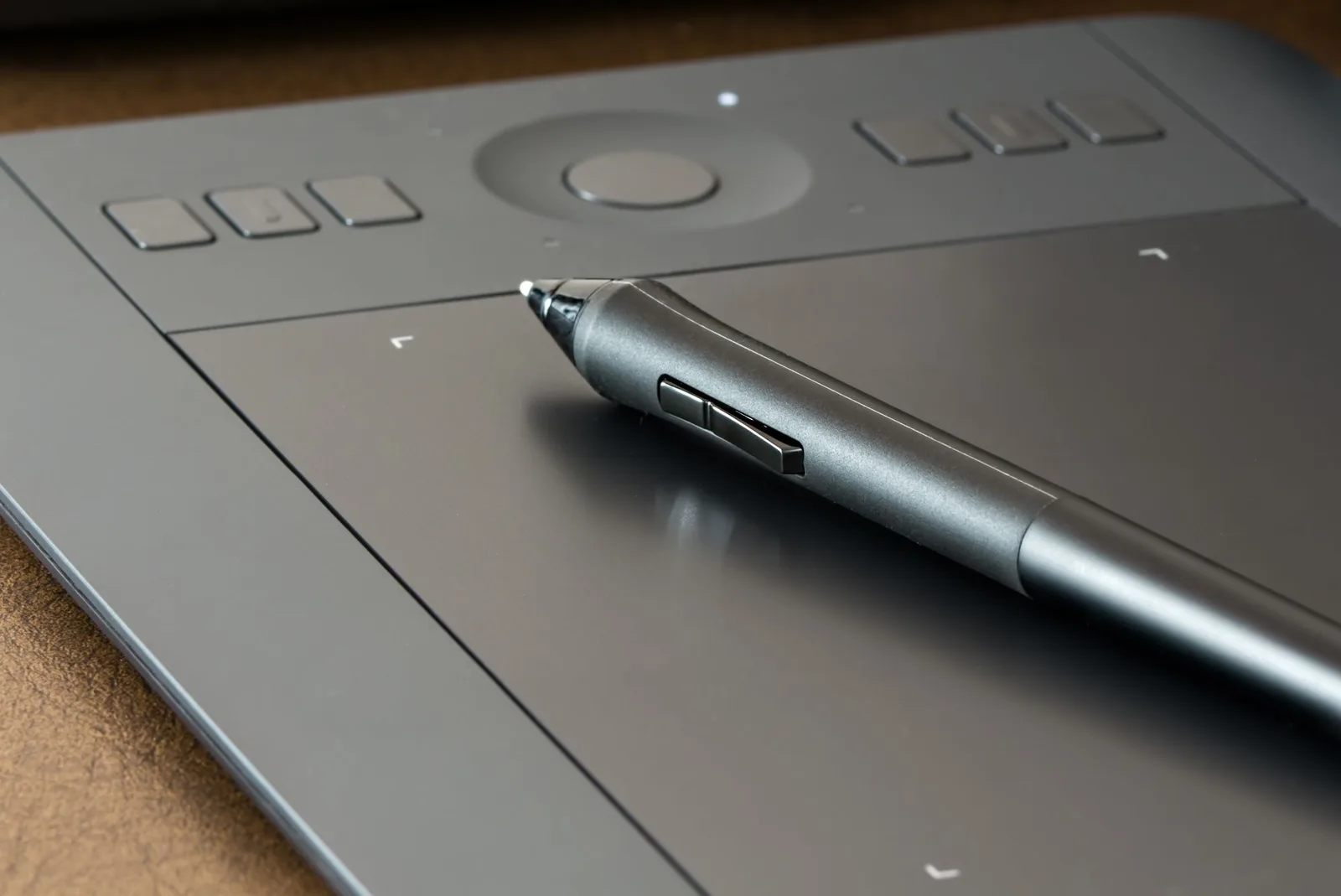
Drawing on a computer with a mouse is awkward; digital art calls for a stylus. Below are the kinds of drawing tablets, the specs worth checking, what suits a child and what to prepare for the first lesson.
What a Drawing Tablet Is
A drawing tablet, or graphics tablet, is an input device: you draw on its surface with a special pen called a stylus, much as you would with a pencil on paper, and the picture appears on your monitor. It works for drawing, coloring and animation, and you can even fix a paper sketch to the surface and trace it.
Three Options to Start With
- A tablet without a screen connects to a computer or laptop; your hand draws on the tablet while your eyes watch the monitor, which takes some getting used to.
- A tablet with a built-in screen lets you draw right on the image, as on paper; these models cost more.
- A regular tablet with a stylus, such as an iPad or an Android tablet, runs drawing apps like Procreate or MediBang Paint. For a beginner, that is enough.
What to Look For
- The active area, the part of the surface that responds to the pen, is smaller than the tablet itself.
- Pressure sensitivity makes a line thicker and darker the harder you press. The first pressure-sensitive tablet appeared in 1981; today it is a standard feature.
- Buttons on the tablet and the pen can hold frequent commands, such as undo, eraser and zoom.
- The connection is either a USB cable or Bluetooth.
- The pen on many tablets needs no battery, because the tablet itself supplies power and signal.
Choose the size to fit your desk and monitor: the active area should leave room for free hand movement. Drawing programs, including free ones, are collected in Top 10 Programs for Creating Computer Graphics.
If the Tablet Is for a Child
Our computer graphics course takes students from age 7. A beginner, child or adult, can start with a regular tablet and stylus; a drawing tablet becomes useful once the student wants to draw on a computer. Where beginners should start is covered in Basics of Computer Graphics: A Beginner’s Guide.
Before the First Lesson
- Connect a drawing tablet to the computer or laptop in advance and make sure the pen works in your program.
- Charge a regular tablet and install the app: Procreate on an iPad or MediBang Paint on Android; for a computer, the administrator will suggest a program.
- Place the device so you can comfortably both draw and talk to the teacher.
Our Computer Graphics Course
In our computer graphics course, students learn techniques for creating digital images, work with shape, color and detail and with the tools of graphics editors, and collect their work in a portfolio that can be prepared for online exhibitions and competitions. Lessons are open to students from age 7. A trial lesson costs $8: it is individual and lasts 45 minutes. More about the course is on the Computer Graphics page.


